1
Connect your Telegram
Sign in with Telegram in one tap, or use email. Send messages to yourself via DM, or add the bot to any channel or group you manage.
Webhooks → Telegram, Instantly
Every TweetPipe channel gets a unique webhook URL and API key. Anything that can send a JSON request — your scripts, automations, or third-party tools — drops a real Telegram message into your DM or channel, with filters and formatting built in.
Sign in with Telegram in one tap, or use email. Send messages to yourself via DM, or add the bot to any channel or group you manage.
Each TweetPipe channel comes with a unique webhook URL and API key. Hand them to any service that can send a JSON request.
Keyword filters, prefixes, suffixes, and timestamps — dial in exactly what gets through and how it lands in Telegram.
POST your payload, and the message lands in Telegram in seconds. No polling, no upkeep, no bot to maintain.
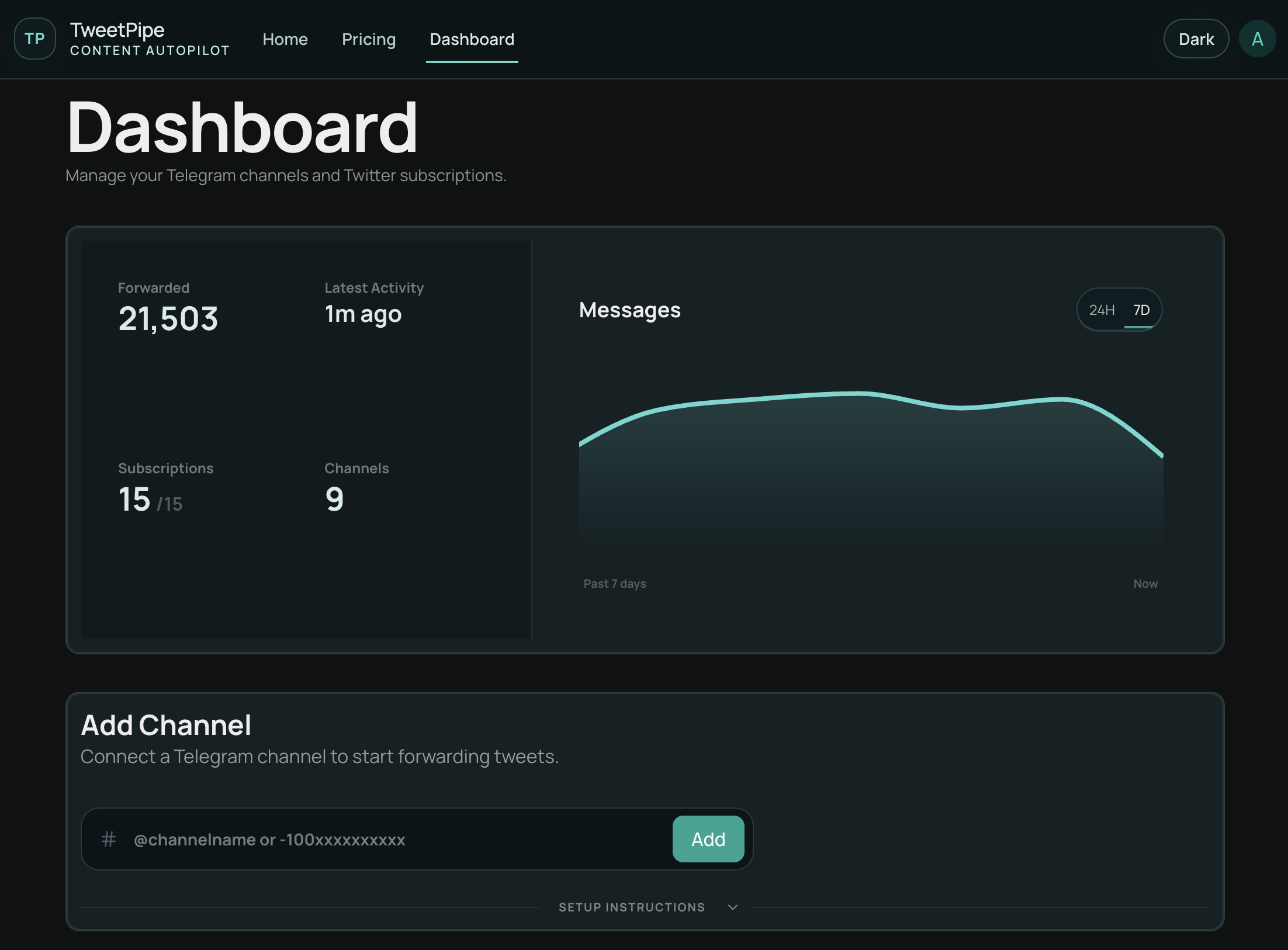
See what has already landed in Telegram, spin up new webhooks, and keep every private or public destination organized from one place.
Who It Is For
Pipe events from your services, monitoring tools, or scripts into your own Telegram DM. Everything that needs your attention shows up where you already are.
Push announcements, deploys, releases, or status updates from your platform into a Telegram channel your audience already follows.
Connect anything that speaks JSON — cron jobs, CI builds, payment events, scrapers, IoT sensors. Every event lands in Telegram in seconds.
Production Grade
Start with the outcome you want, then tighten the rules. TweetPipe handles auth, delivery, and formatting so your Telegram feed stays readable instead of becoming a firehose.
Each channel gets its own URL and API key. Anything that can send a JSON request — scripts, cron jobs, monitoring tools, automations — drops a message straight into Telegram.
POST hits the URL, the message lands in Telegram in seconds. Real Telegram messages with proper formatting, not link cards or generic bot replies.
Send events straight to your own Telegram DM or a private channel so signals from all your services live in one clean inbox.
Pipe announcements, releases, deploys, or status updates into a public Telegram channel your audience already follows.
Per-channel keyword rules so only the events worth seeing actually land in your feed — the rest gets dropped silently.
Add prefixes, suffixes, timestamps, or source credit so your feed reads like an intentional dashboard instead of a raw firehose.
Every webhook has its own rotateable key. Bad auth gets rejected at the door, and you can revoke access anytime from your dashboard.
Per-channel activity charts, message history, keyword rules, and formatting controls. You decide what reaches your own feed or the audience you publish to.
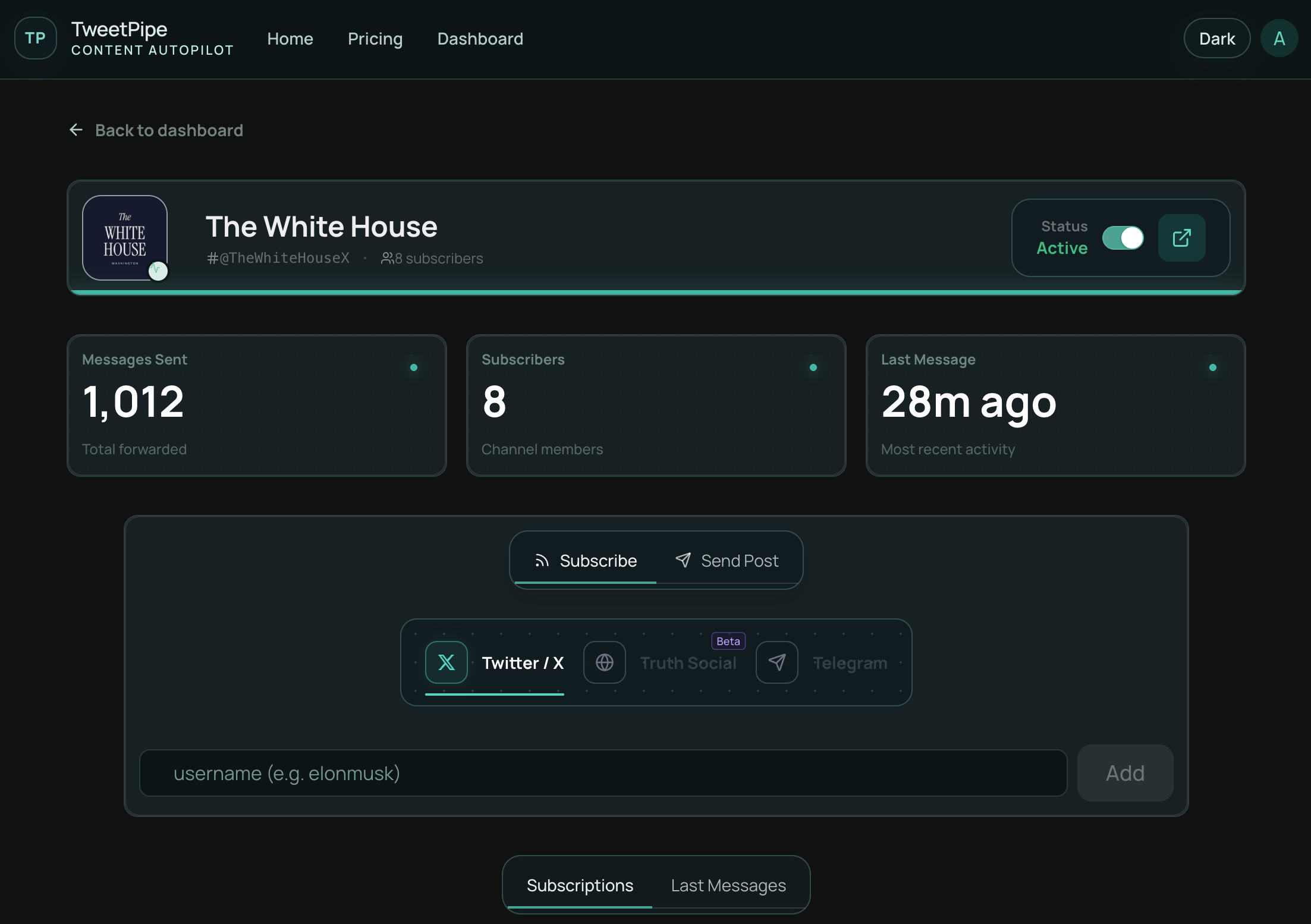
Create a TweetPipe channel and connect your Telegram destination. You'll get a unique webhook URL and API key. Configure your service to POST a JSON payload to that URL with the API key, and TweetPipe forwards it as a real Telegram message in seconds.
A webhook is just an HTTPS endpoint that accepts a POST request with a JSON body. Most modern tools — GitHub, Stripe, monitoring platforms, Zapier, your own scripts, CI runners — can send webhooks out of the box, often with no code at all.
Yes. Many people use TweetPipe as a personal alerts inbox: connect your Telegram, get a webhook URL, and send events from your services into your own DM or a private Telegram channel so nothing important gets lost.
Yes. Add the TweetPipe bot to a Telegram channel you manage, point your webhook at it, and every event you POST becomes a public-facing message. Same filters and formatting controls apply.
TweetPipe is a focused webhook → Telegram pipe. You don't write a bot, juggle bot tokens, or wire up multi-step automations. POST JSON, get a Telegram message — with built-in filtering, formatting, and per-channel auth.
Yes. Each channel has keyword filters and prefix/suffix/timestamp formatting, so only the events you care about land in Telegram and they always look the way you want.
Yes — generous defaults to keep Telegram happy and protect against runaway scripts. Pro plans get higher caps and more channels.
Solo developers wiring up alert feeds, ops teams running curated Telegram broadcast channels, and anyone whose tools speak JSON but whose audience lives on Telegram.